Release notes — September 2026
A snapshot of the September 2026 release. For up-to-date instructions, see the Help Center.
September brought prepaid hours — a way to bill the clients who pay for a block of time up front — and short screen recordings in the Help Center, so the trickier parts of the app are shown, not just described.
Prepaid hours
Some clients pay for a package of hours in advance, for example ten hours a month. Only the work beyond that is invoiced. You can now set that package on a client or a project, and the Detailed report marks the first hours worked each month as Prepaid and leaves them out of the amount due. A project can share its client's package or keep a separate one of its own, whichever matches how you actually bill. Prepaid hours are settled the same way everywhere — on screen and in every export format.
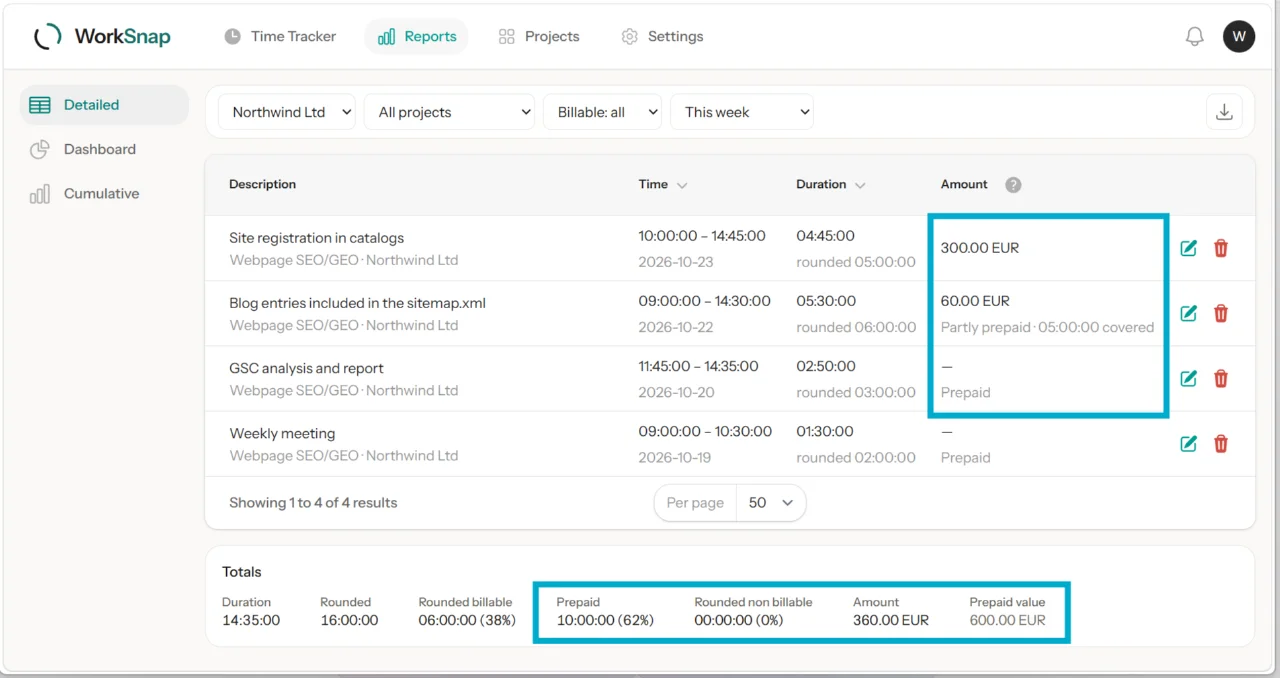
How to use it → Prepaid hours
Help Center articles now show you how
The articles about undoing a deletion, entering time quickly, inherited rates and prepaid hours now carry short, silent screen recordings right where the text explains each step. Nothing to click or play: a recording loops quietly under the text, and stays on a still frame if your system asks for reduced motion.
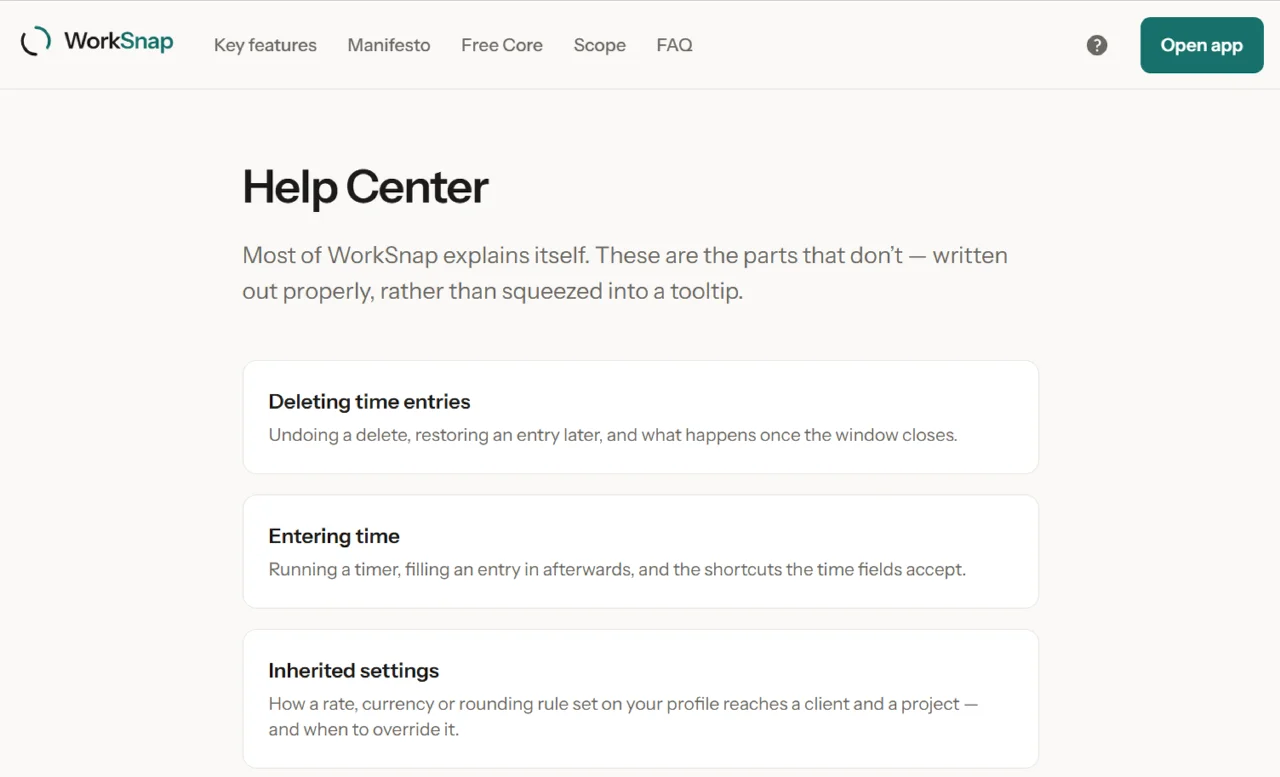
Check it out → Help Center